Login to enhance your online experience. Login or Create an Account

 0 Items (Empty)
Help
The House of Oojah - Audio Books Help Pages
How to make a website order when paying by money order or cheque HELP page is here
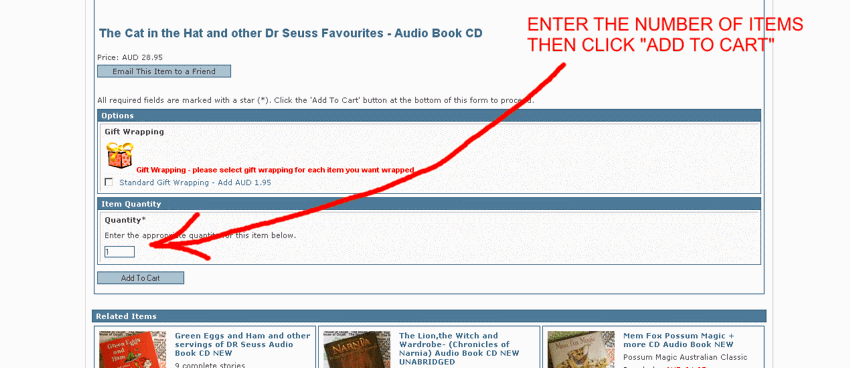
How to Add an item to the shopping cart
Scroll down to the bottom of the description and find "Item Quantity" change the item number to the number of items you want (if you want just one leave it as the default "1")
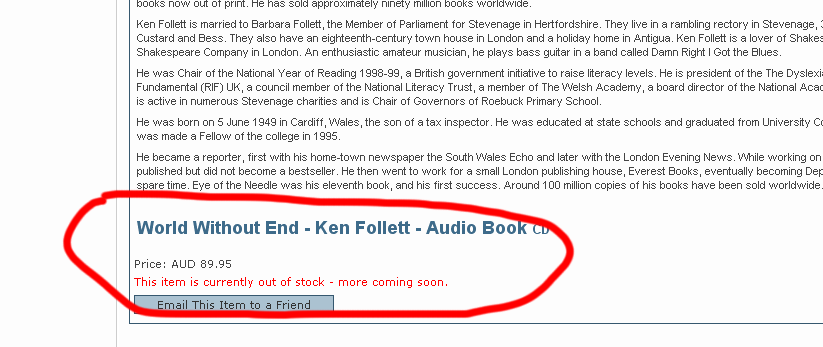
When I try to Add an item there is no 'Item Quatity"
This is because the item is out of stock - there is a notice that says "This item is currently out of stock". Because the House of Oojah has its items in stock - if an item is out of stock we don't allow you to buy it.
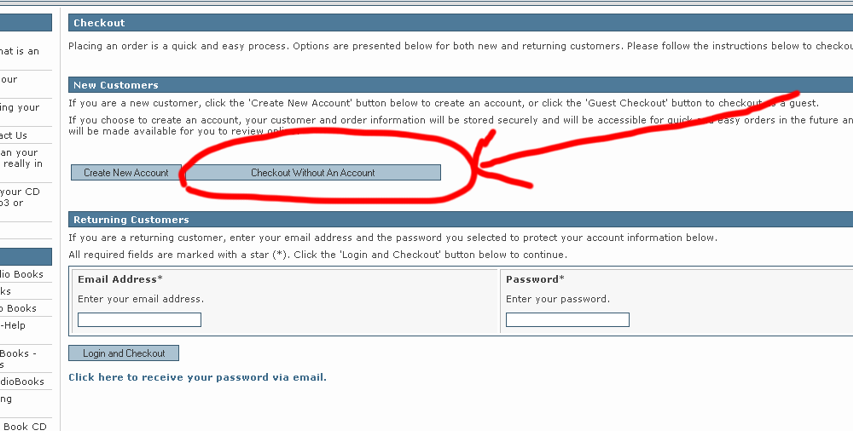
How to Checkout with creating and Account.
You don't have to create an account - you can checkout without an account and just put in delivery details.